




Dental 4 Windows (D4W) Support
Slow or glitchy software doesn’t have to stall your clinic. Teamwork Technology installs, optimises, supports, and monitors your Dental4Windows software to keep your dental clinic running smoothly and reliably. Teamwork Technology has over 15 years of experience helping 900+ dental and medical practices. We focus on your IT and your dental practice software so that you can focus on what matters most , caring for your patients.

Why Choose Dental4Windows Dental Practice Management Software
Dental4Windows is one of Australia’s leading dental practice management software platforms. For over 20 years, it has streamlined clinical, administrative, and patient management tasks. As a very user-friendly and efficient software able to handle day-to-day operations across all aspects of patient care, payment management, and practice operations. By integrating with its parent company Centaur’s wider products, it helps teams save time and deliver better patient experiences.
Are you struggling with these common D4W issues?
Just like any other software, Dental4Windows has its own pitfalls. These are the most frequent issues we see and help practices resolve every day.
D4W Crashing or Freezing
Glitches, errors, and regular crashes due to ageing databases or servers disrupt patient bookings, sometimes even during an appointment. Teamwork’s monitoring picks up the warning signs (disk space, memory pressure, database errors) before the crash happens.
Slow Systems
Is your practice management system too slow? Slow screens are most often caused by a server that was sized for a smaller practice or workstation misconfiguration. Teamwork can identify and fix the issue, whether it is related to configurations or hardware.
Poor Customisation
Are you using an out-of-the-box solution? Default settings generally don’t align with your clinic’s workflows or meet cybersecurity standards. Teamwork Technology sets up D4W for new clinics and helps established clinics migrate to D4W so that your clinic is set up for success.
HICAPS Claiming Errors
When HICAPS stops talking to D4W, billing fails at the front desk. Common causes include terminal connectivity issues, integration settings lost after updates, and network changes. Teamwork can troubleshoot the D4W–HICAPS environment and configure it to survive future updates.
Imaging Not Connecting
Broken imaging for intraoral and extra-oral scans is one of the most common D4W complaints. This typically happens due to software updates or the installation of new devices. Teamwork supports the integration between D4W and imaging platforms so scans connect to the right patient record.
Database Connection Errors
This error means workstations have lost contact with the D4W database due to server faults or network failures. It's urgent because it takes the whole practice offline at once. Teamwork’s monitoring is designed to catch the server-side cause before the first workstation shows the error.
Teamwork Technology remove your D4W headaches
With professional support, your team can focus on patient care while we make sure your practice stays operational and compliant.
Set Up or Migration to D4W
If you’re setting up a new dental clinic, Teamwork Technology provides expert setup. If your practice wants to migrate, we handle the data transfer and configuration process for smooth operations.
Ongoing Monitoring and Support
Whether you need to upgrade your software or your system is glitchy, get help quickly from the experts. Our proactive monitoring detects glitches and potential downtime before they impact your practice and patients.
D4W Backups and Disaster Recovery
Your D4W database holds every patient record in the practice. Our team sets up and monitors regular and automated backups and offsite/cloud copies, so a server failure, theft, fire or ransomware event can't take your data with it.
24/7 Dental Software Support
Our team is always available to support you. In case of emergencies, urgent issues, or unexpected downtime, contact our 24/7 support and speak to a dental IT specialist so that there is no extended downtime.
Cybersecurity-First
Protect practice and patient data with a reliable setup that complies with the Australian Privacy Act and ACSC Essential Eight guidelines. All systems are set up with a future-proof cybersecurity-first approach.
Management of your IT Ecosystem
D4W depends on a stable Windows server, a reliable network, well-configured workstations, imaging bridges, and HICAPS terminals. Our team can diagnose and fix these "D4W problems" that are actually issues in the surrounding environment.
why our clients love us
Posted onTrustindex verifies that the original source of the review is Google. Amazing team, great to chat with and exceptional service always! If you get Steve.W - yay, he is the best!Posted onTrustindex verifies that the original source of the review is Google. IT professionalPosted onTrustindex verifies that the original source of the review is Google. Big thanks to James and his team at Teamwork Technology. One stop shop for all your business IT needs. They healped me with both of my practices Waratah Dental Centre and Myra Smiles Dental and Implant Centre. 100% recommended.Posted onTrustindex verifies that the original source of the review is Google. This family owned business and team have been taking care of my business needs for 16 years. They are super efficient, always on top of everything, helpful, easy to get hold of, friendly to work with and ahead of the game. There is nothing not to love about this business and the people in it are all gems.Posted onTrustindex verifies that the original source of the review is Google. Offering a range of custom software development solutions and technical support, Teamwork always delight me with their prompt service, attention to detail and speedy resolution.Posted onTrustindex verifies that the original source of the review is Google. Teamwork Technology have been an amazingly responsive team to help through every single IT problem and question we have. They are very knowledgeable in their field. We are fully satisfied with its service and highly recommend to all businesses.Posted onTrustindex verifies that the original source of the review is Google. Our business has used Teamwork Technology for a number of years now and would not hesitate to recommend them. They are reliable and very responsive to requests. There support team are excellent and always follow up to ensure your matter has been resolved. Thank you James and the team at Teamwork!Verified by TrustindexTrustindex verified badge is the Universal Symbol of Trust. Only the greatest companies can get the verified badge who has a review score above 4.5, based on customer reviews over the past 12 months. Read more
Our Locations
Teamwork Technology provides remote IT support anywhere in Australia, from clinics in regional areas to dental practices in major cities, like Sydney, Melbourne, Gold Coast, Brisbane, Adelaide, Perth, and Canberra.
We have offices in Sydney, Melbourne, and the Gold Coast and can provide remote and on-site assistance all over Australia.
Find out why Teamwork is the leading D4W support partner Australia Wide


Experienced Team
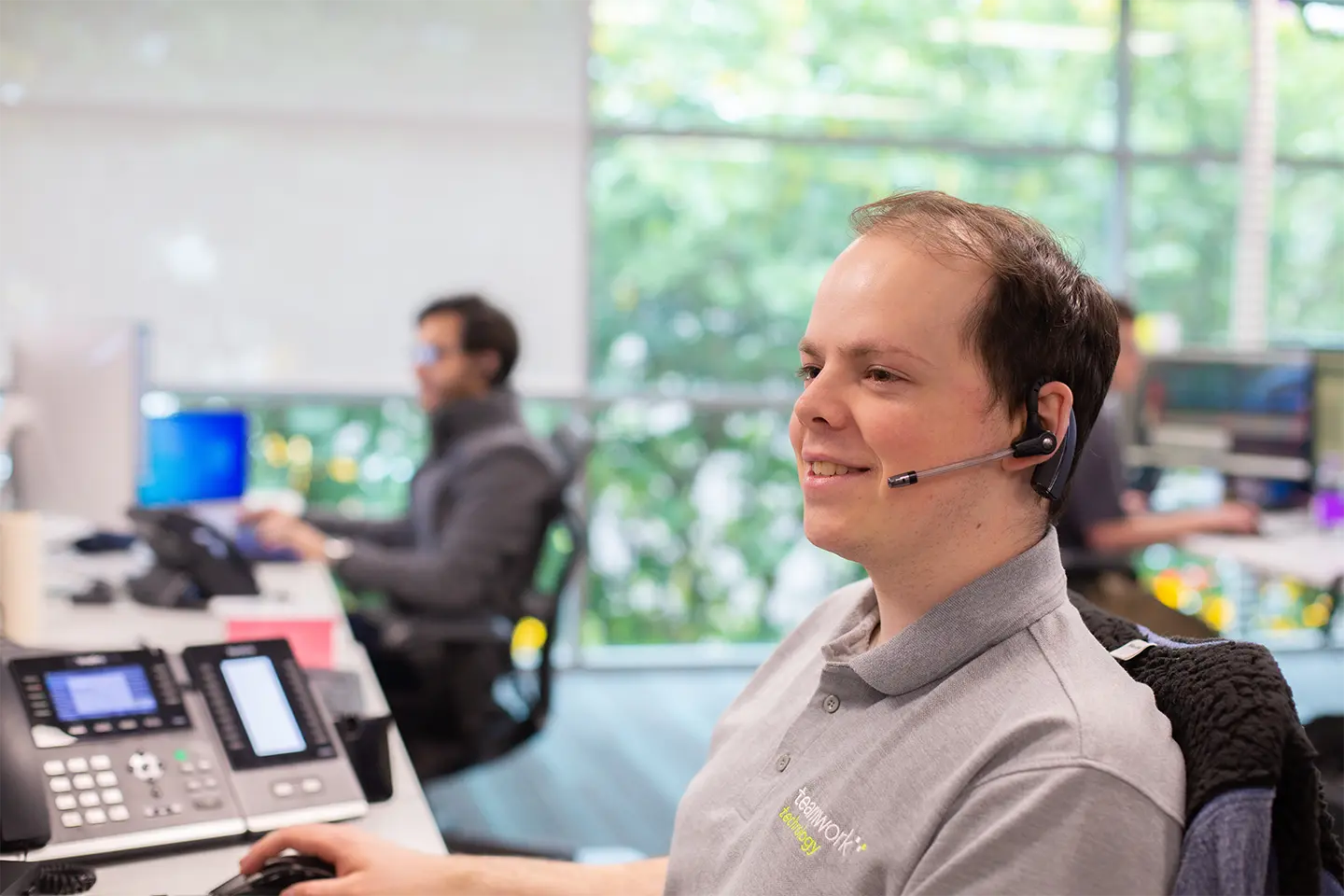
Teamwork offers 15 years of experience supporting the dental industry with IT support and setup, helping dental clinics stay operational at all times.
Custom Advice
Every dental practice is different. We can advise on the right software that delivers practice management solutions suited to your needs.

Grows with your Business
Don’t let IT hold you back from growth. We set up your system to grow alongside your practice and support your business in the long run.
Speedy Support
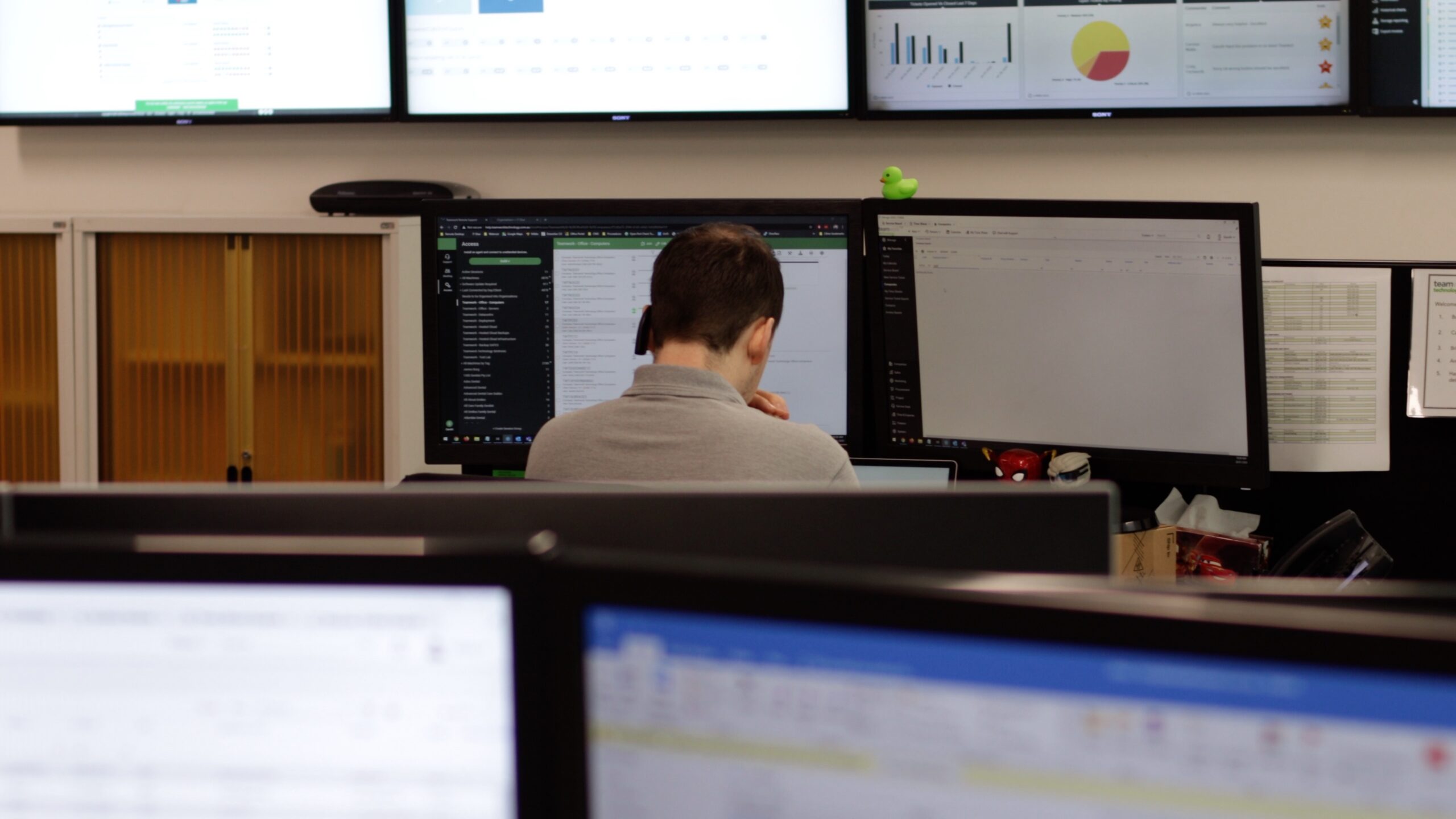
No more waiting for IT tickets to be processed. Speak directly to dental IT technicians, resolve issues quickly, and minimise disruption.
End-to-End Support
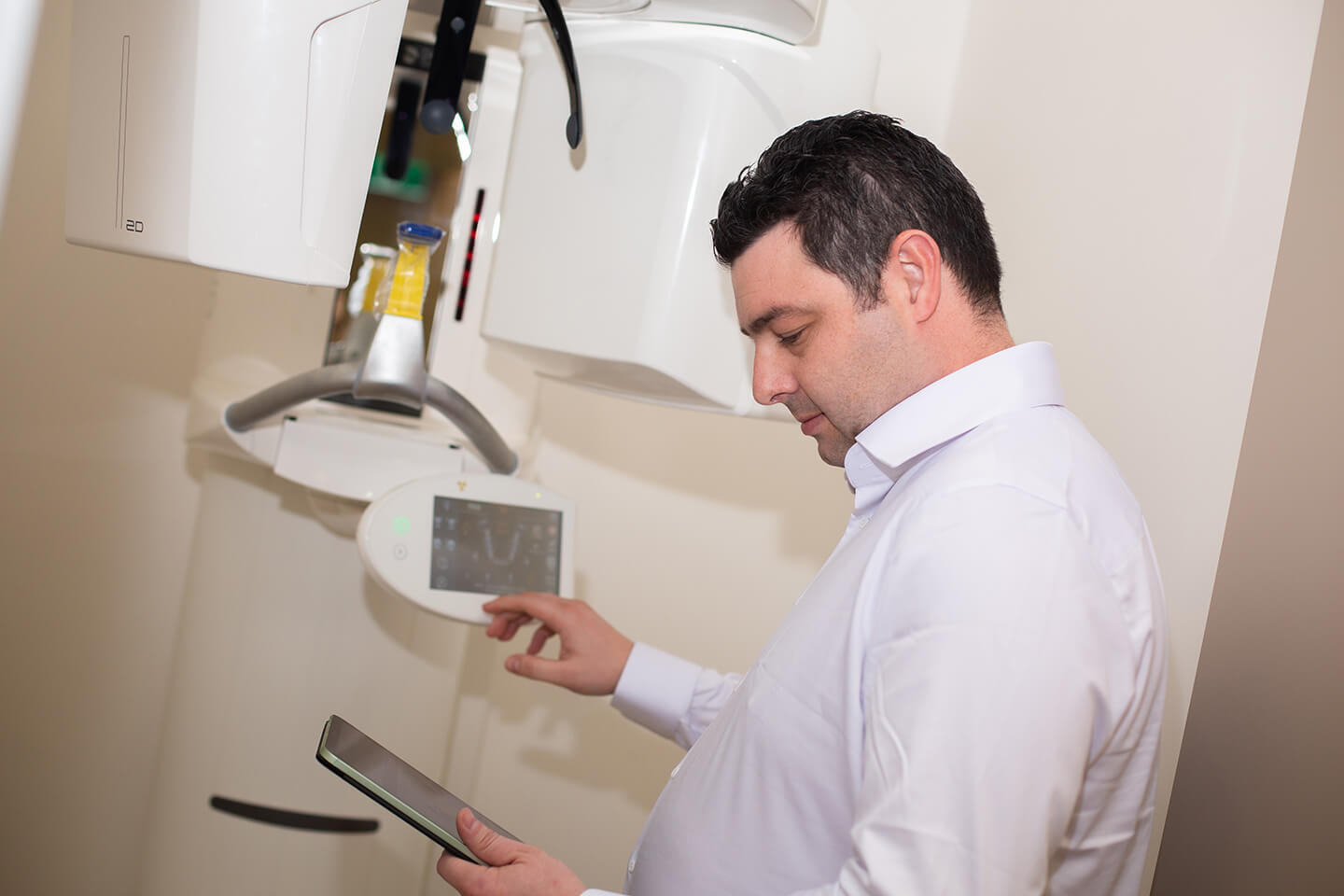
When you partner with us, everything related to D4W support is taken care of. You can focus on your patients, while we focus on you.
Get Complete IT Support For Your Dental Clinic
Managing your IT
Our managed IT services provide complete end-to-end maintenance and support. We focus on the technical aspects while you focus on your practice.
Voice Solutions
Teamwork Technology creates integrated phone and messaging systems that link with D4W software to ensure that patient communication is optimised.
Disaster Recovery
Protect your clinic from unexpected downtime, data loss, or system failures with disaster recovery solutions that protect patient and practice data.
Network Solutions
Secure, high-performance networks that support multi-location systems and fast, reliable access to all software and patient records.
Our Clients love us
James & the team at Teamwork Technology have bough our practice into the modern era with patience, humility & most importantly, with a sense of professionalism.
We value their service and would recommend them highly.
Pranavan Yoganathan

Ready to Get Started?
Need support with your D4W system? Talk to Teamwork!
We take care of everything related to your practice management system, so that you can focus on your patients.

Talk To Us Today
1300 456 901
Frequently asked questions
Can you optimise the software to suit our clinic’s workflow?
Yes, we can. Teamwork Technology tailors settings and features to your practice’s unique requirements, helping your team work more efficiently and reducing unnecessary administrative strain.
Can you assist with migration to D4W?
Yes, if you’re migrating from EXACT, Oasis or other systems, we’ll handle setup, migration, and configuration so your team can get started without disruption. We plan the data migration, validate that patient records, appointments and financials have come across correctly, and configure D4W for your workflow.
What happens if our software products are crashing or running slowly?
If your Dental4Windows software is crashing or running slowly, contact our team. With an average resolution time of 55 minutes, Teamwork Technology will diagnose and resolve the issue as quickly as possible. Our team resolves both software and hardware-related problems so you can get back to patient care quickly.
How much does D4W support cost?
The cost of set-up depends on the scale and needs of your clinic. Depending on the workflow you want to design for your clinic, Teamwork Technology will provide a tailored quote. Contact us to get started.
Can you review my current IT setup before I commit?
Yes. Our no-obligation IT health check reviews your D4W software and environment: server, database condition, backups, security and network. We give you a clear, documented picture of risks and quick wins before you make any decision.
What's the difference between Centaur's D4W support and yours?
Centaur supports D4W software, licensing, updates, and feature questions. Teamwork supports your software and everything it depends on: your server, database, network, imaging integration, HICAPS environment, backups, and security.
Can you fix HICAPS claiming errors?
Yes. We troubleshoot the D4W–HICAPS environment, such as terminal connectivity and integration configuration, and restore billing and claiming quickly. If the fault sits with HICAPS or Centaur, we manage that escalation for you.
Is D4W suitable for large or multi-site practices?
Yes, cloud hosting simplifies multi-location access and removes the on-site server. For multi-site practices, we assess both D4W and centralised on-premises designs and recommend the best option based on your operations.
What to look for in a D4W support provider?
When choosing a D4W IT support provider, look for an MSP that has experience in dental IT. A quality provider also takes the time to understand your clinic’s needs, and tailors services to suit your workflow. It’s also important to check that they have clear communication processes, flexible service options, robust cybersecurity and quality standards, and positive client relationships.